Emoji Salon: Making Emojis Accessible Through Custom Colors
(opens in new window)Behind The Project
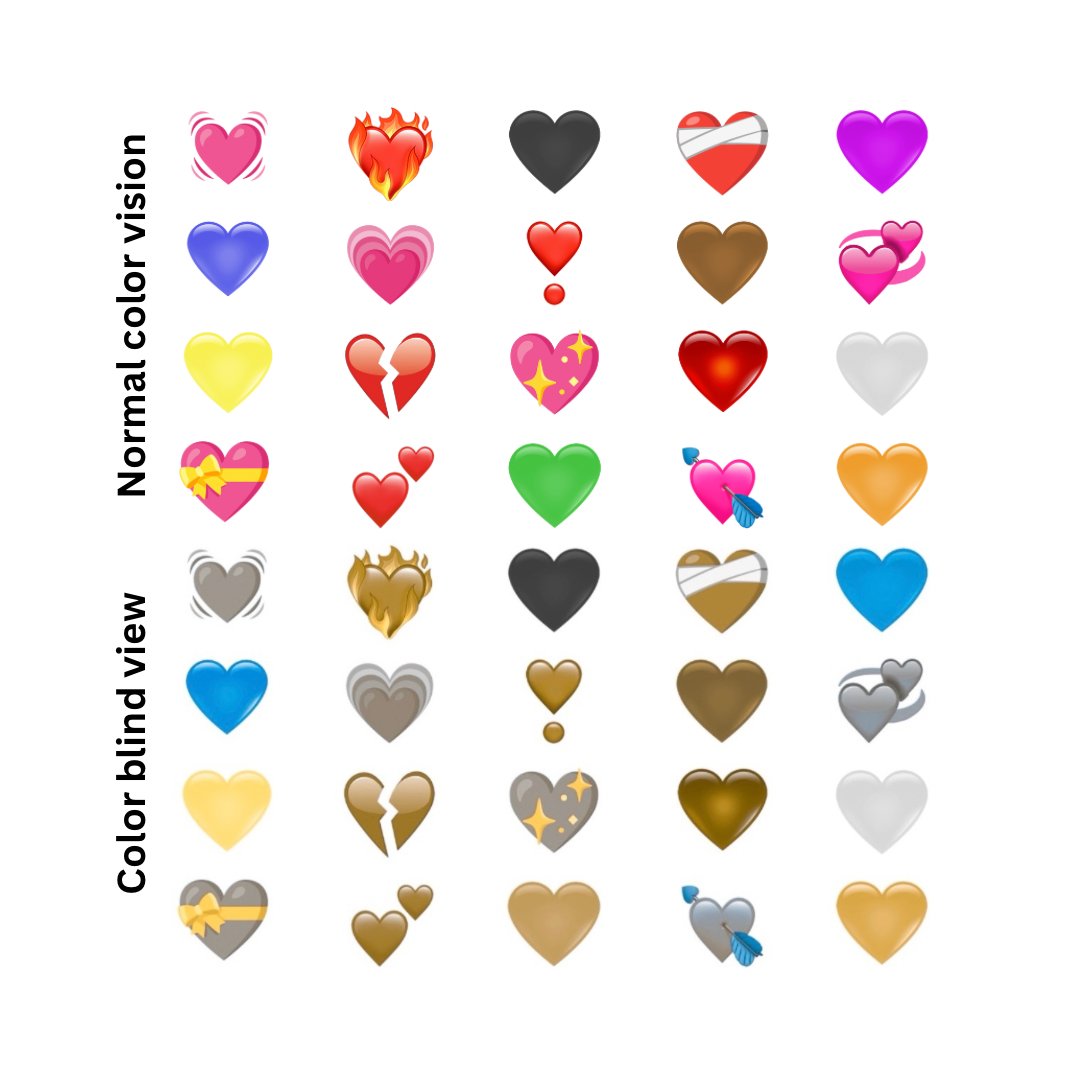
Eight percent of men and half a percent of women have some form of color vision deficiency. For them, many emojis are completely indistinguishable. The Italian 🇮🇹 flag and Irish 🇮🇪 flag look identical if you cannot differentiate green from red. Romania 🇷🇴 and Chad 🇹🇩, Monaco 🇲🇨 and Indonesia 🇮🇩, all the same. This affects approximately 300 million people worldwide who use digital communication daily.
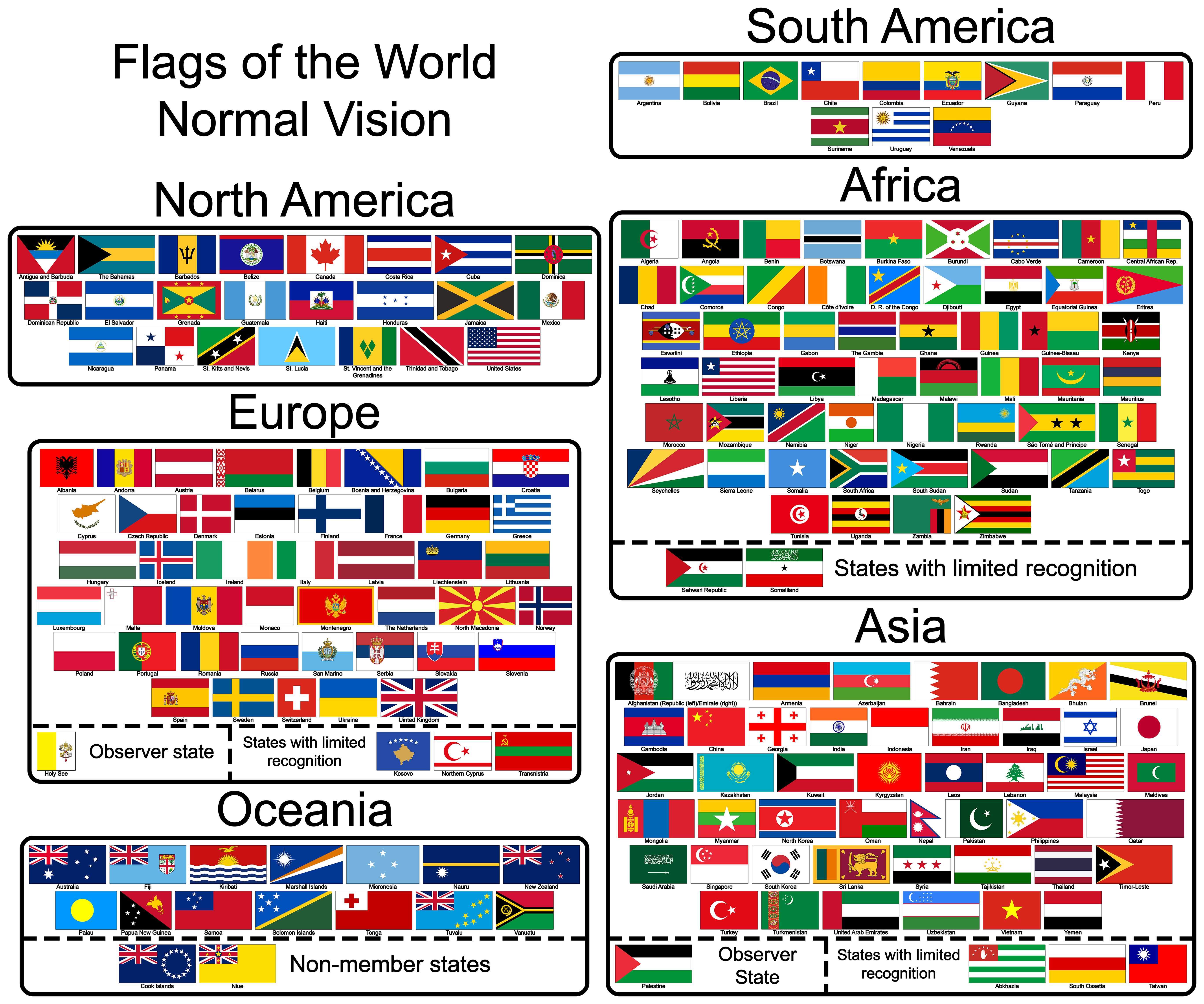
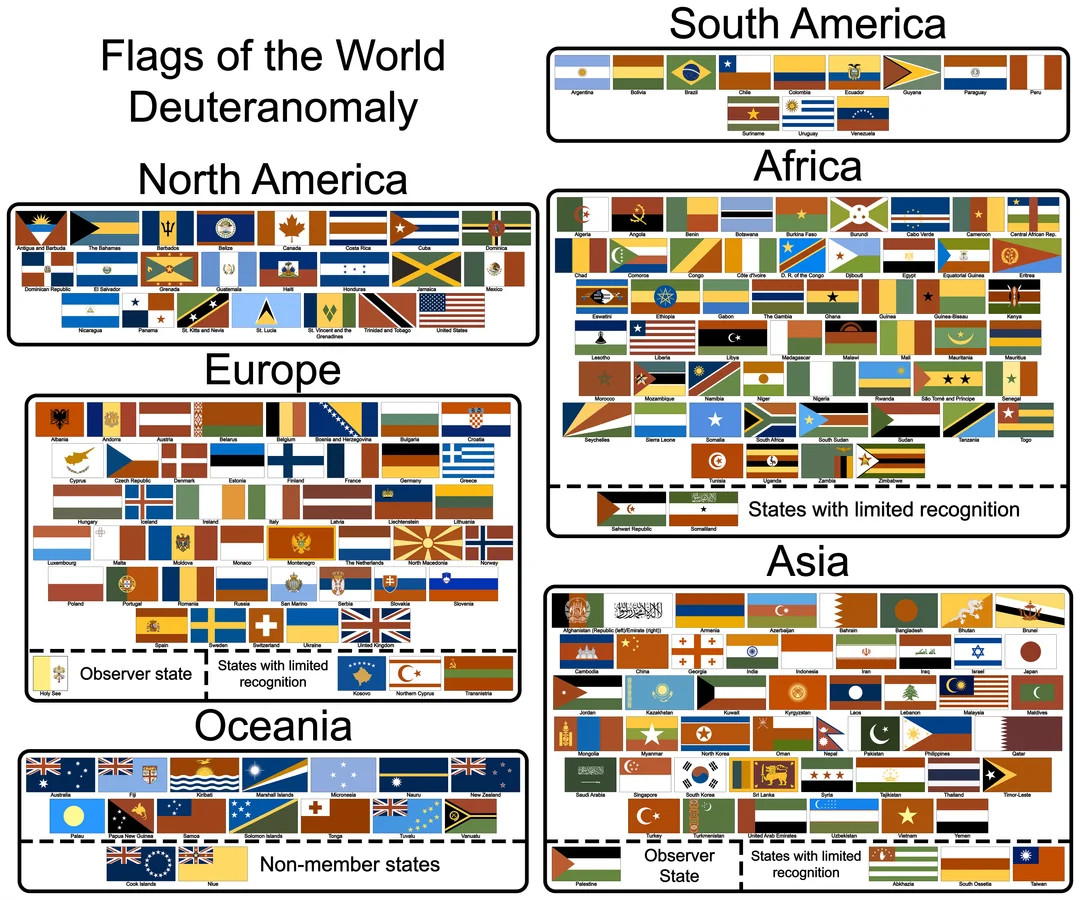
However, emoji colors are defined in fonts. Unlike regular text that you can style with CSS, emojis render exactly as your webfont defines them. You cannot change their colors, adjust contrast, or create high-visibility variants.
(opens in new window)Solution & Approach
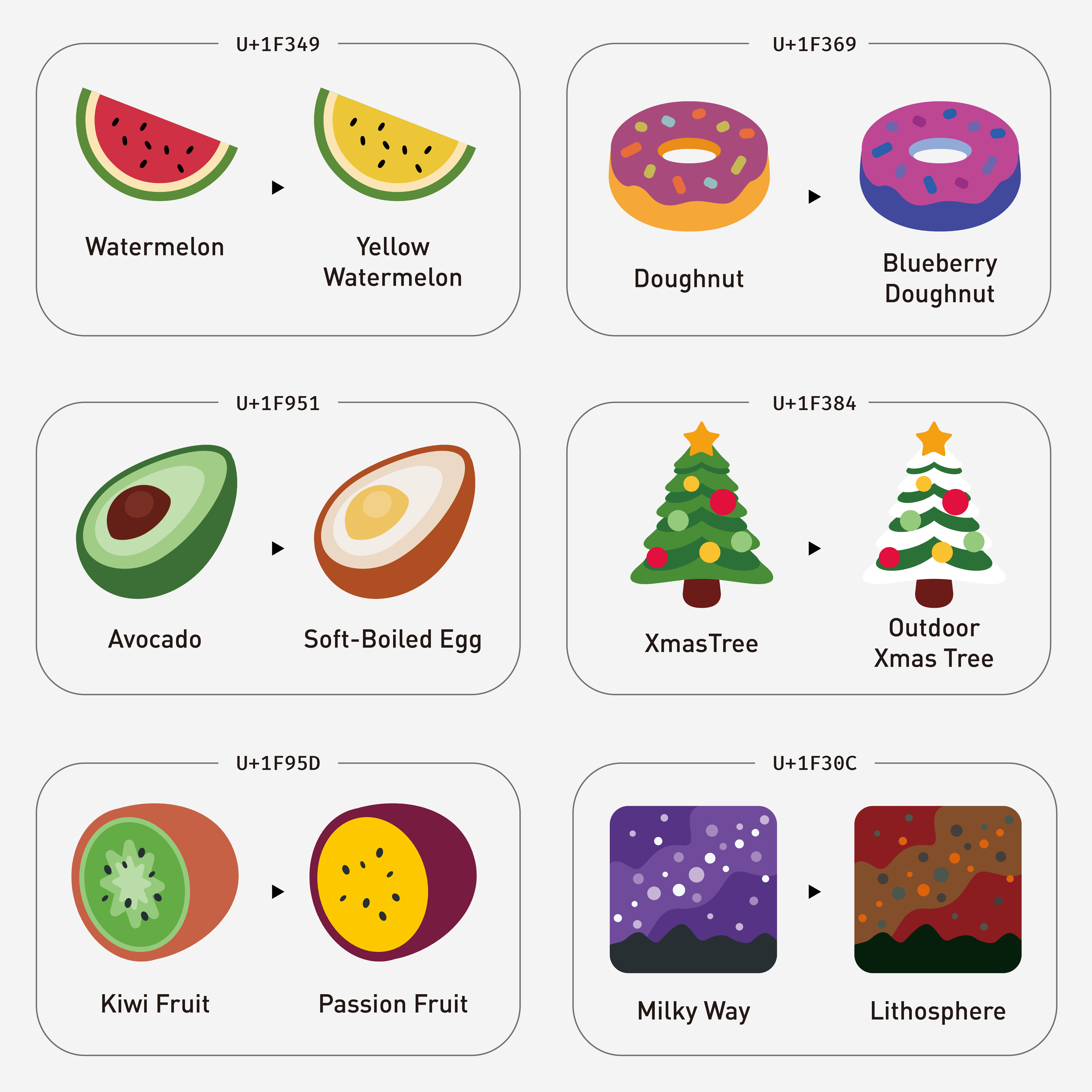
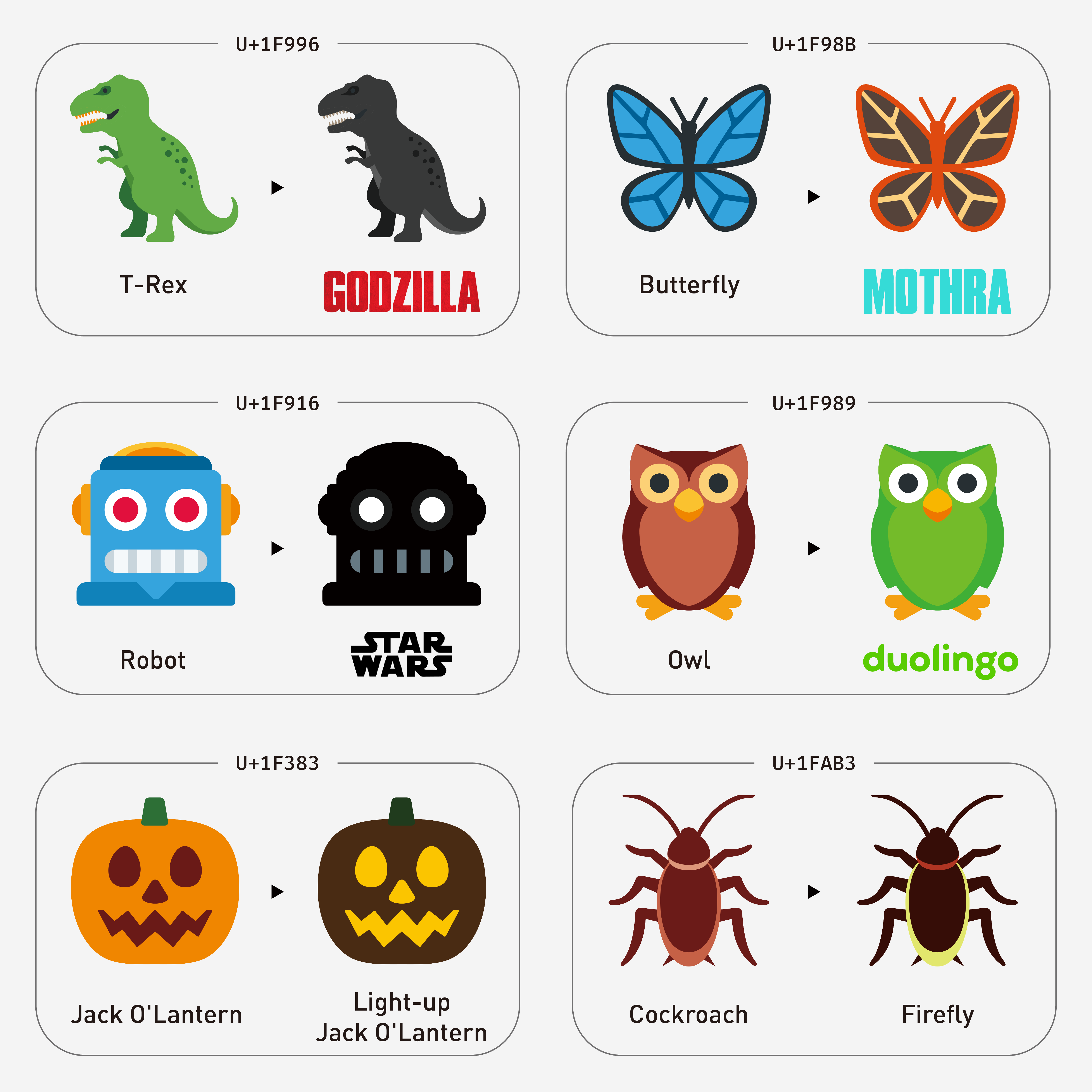
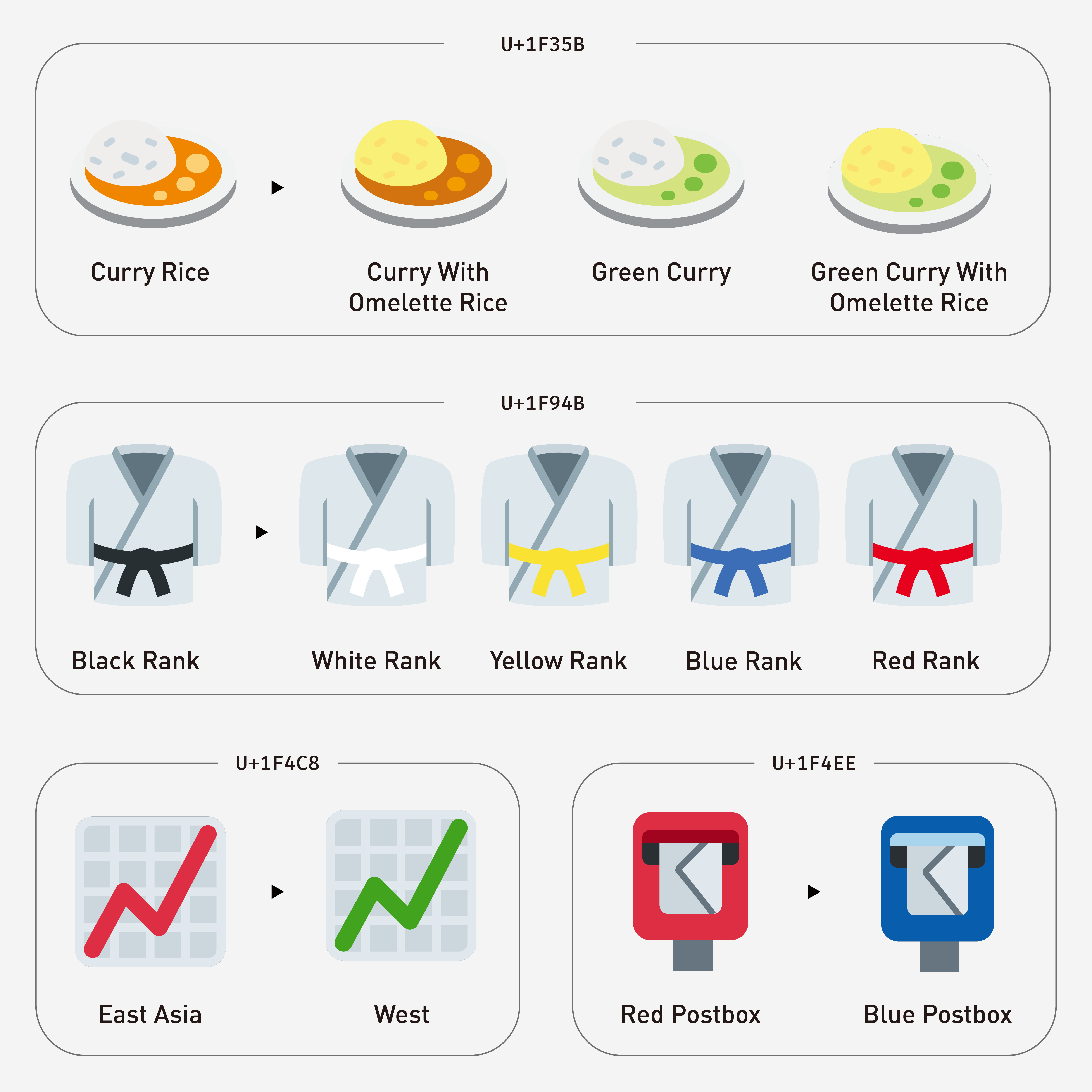
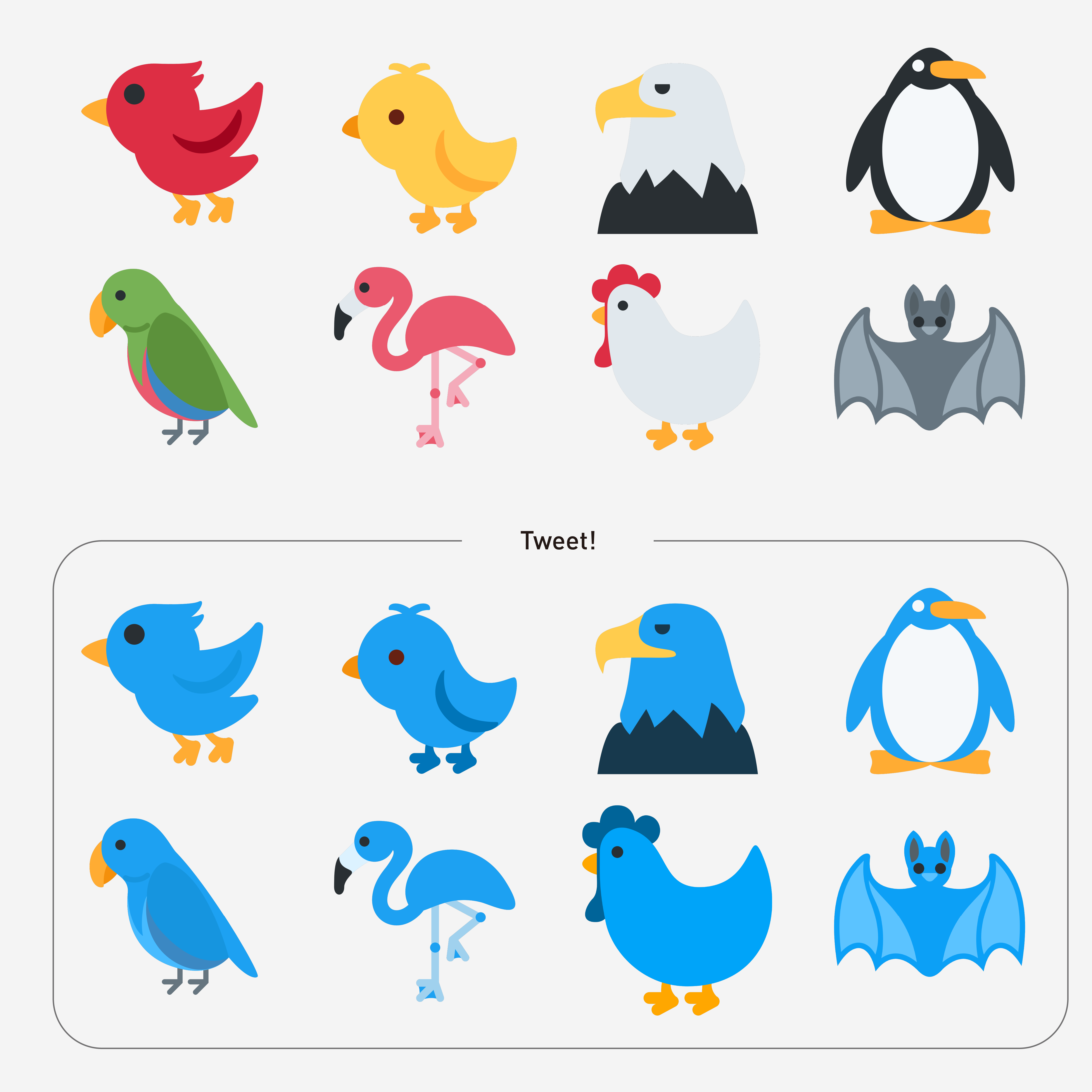
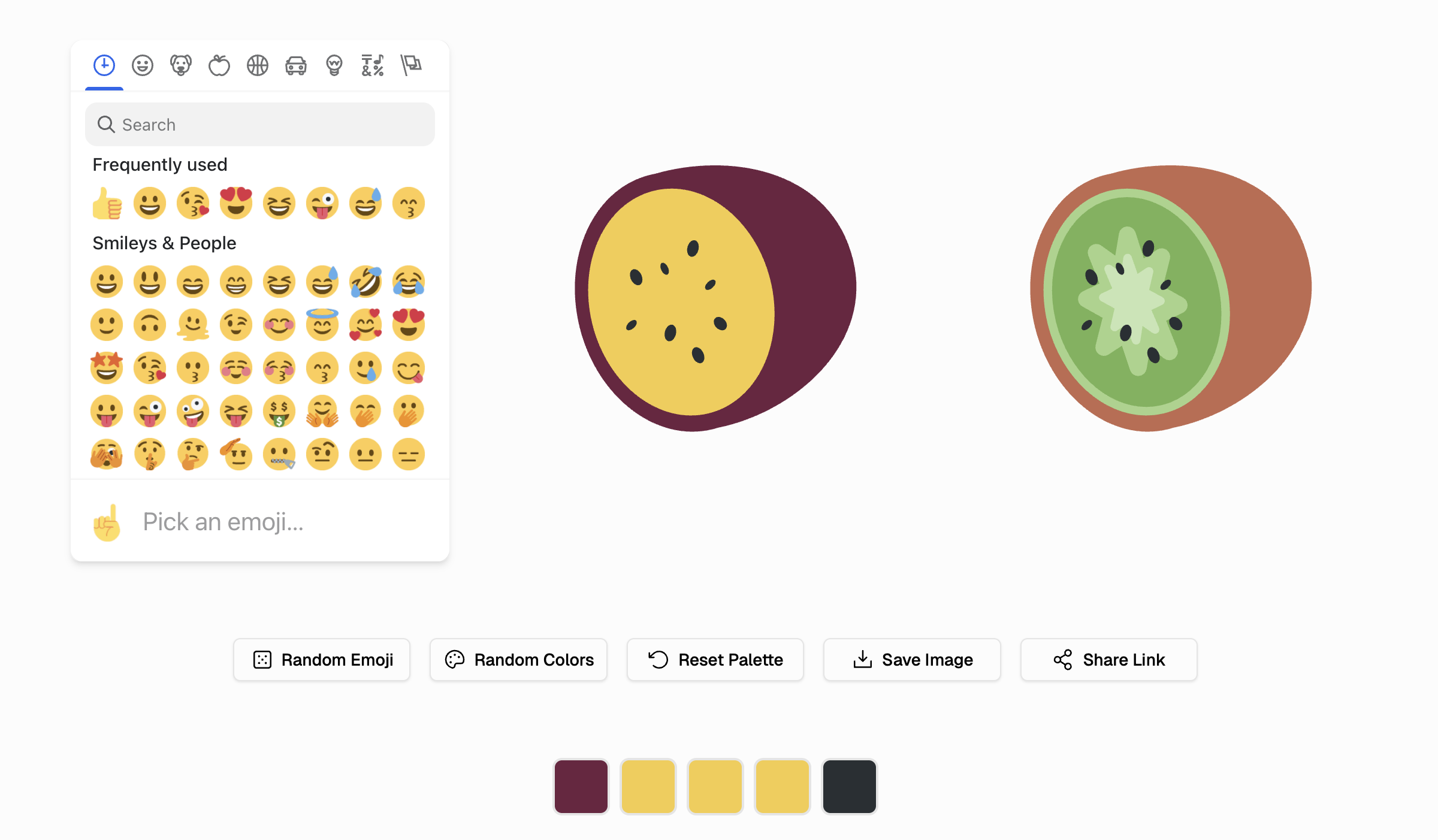
I built Emoji Salon(opens in new window) to solve this. It’s a website that lets anyone recolor any emoji, creating custom variants for accessibility needs, cultural expression, or personal preference. The tool processes over 3,000 emojis and allows real-time color customization with instant export to high-resolution PNG, SVG, and CSS codes.
(opens in new window)Technical Challenges
(opens in new window)From Color Fonts to SVG
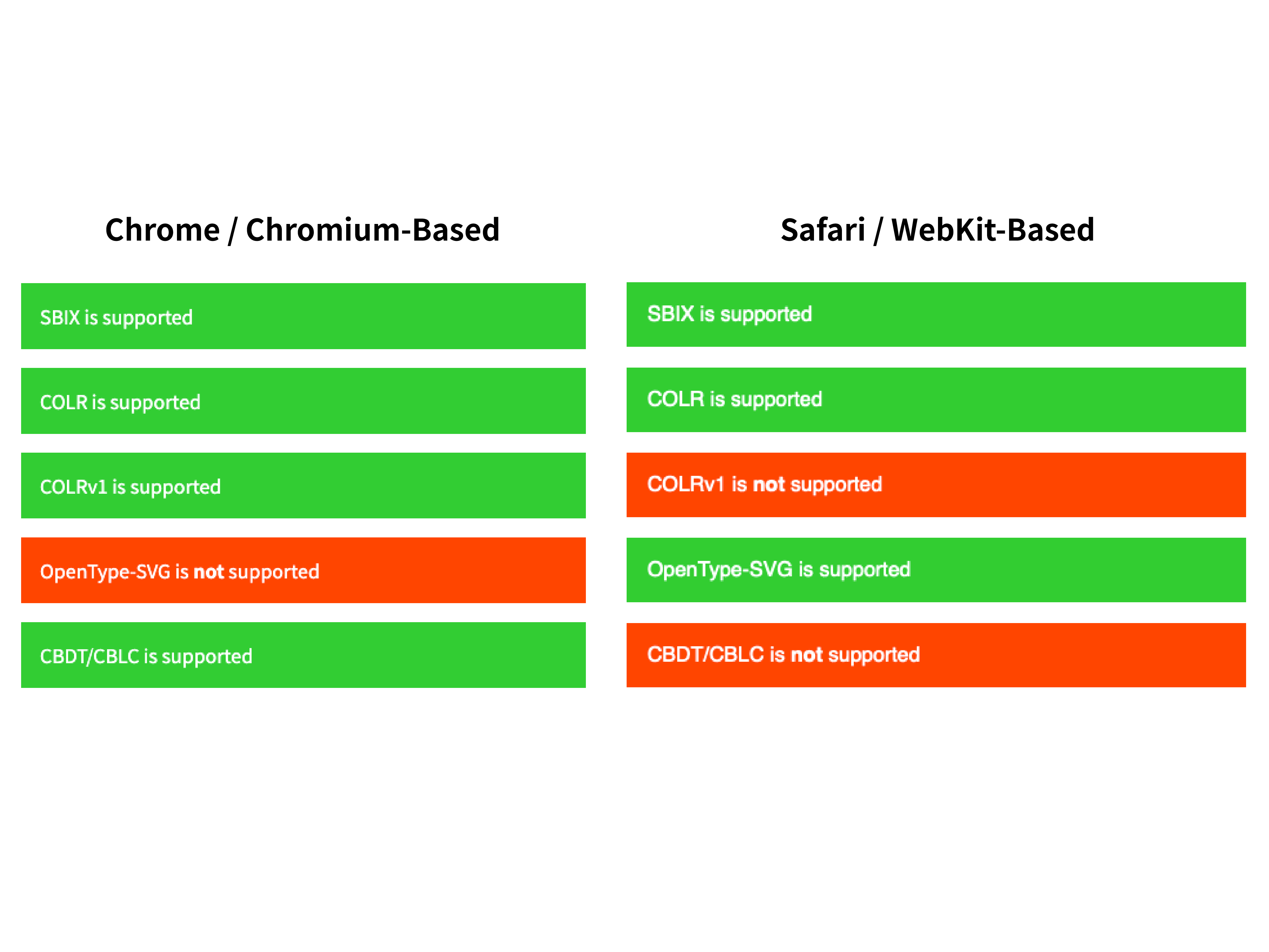
I initially prototyped using Color Fonts, the COLR/CPAL OpenType format that stores characters as colored vector layers. The approach worked elegantly until iOS 17-17.1, when WebKit temporarily dropped support(opens in new window) for COLR v0. Although support was later restored, Color Font compatibility remains experimental across browsers.
This instability made it clear that color fonts wouldn’t provide the universal accessibility I needed, which is why I pivoted to SVG. While this meant larger file sizes and more complex processing, SVG has universal browser support and offers complete color control. Since the project’s goal was universal accessibility, I couldn’t compromise on compatibility.
The challenge: Twemoji set provides over 3,600 SVG files, but they are static. Each emoji contains path elements with hard-coded fill colors. Making them customizable required extracting path data from thousands of files, mapping colors to a standardized palette system, and building a real-time editing interface with high-resolution export capabilities.
(opens in new window)Extracting and Normalizing SVG Data
Each Twemoji emoji contains multiple vector layers with different shapes (e.g., paths, circles, ellipses) and fill colors. I needed to normalize this inconsistent data into a standard format the web app could process efficiently.
I built Python preprocessing scripts that convert all shape types to paths, preserve opacity and transforms, and output clean JSON data mapping each emoji to its path data and color arrays. Through preprocessing, the website simply reads JSON and generates SVG strings on demand, eliminating expensive runtime parsing. This architectural decision reduced initial page load time by 80%.
(opens in new window)Creating a Global Color Palette
While Twemoji uses hundreds of colors across 3,600 emojis, many emojis share the same colors. If I could map all emojis to a global palette, users could apply consistent customizations across multiple emojis at once.
I used Fontkit(opens in new window) to extract the COLR/CPAL color tables, yielding a master palette of approximately 900 colors. Then I wrote a Python script for Glyphs(opens in new window) that mapped each emoji’s layers to their palette indices.
This three-file system (global palette, emoji-to-palette mappings, and path data) enabled the website to support real-time color customization while keeping the architecture manageable.
(opens in new window)Building the Website
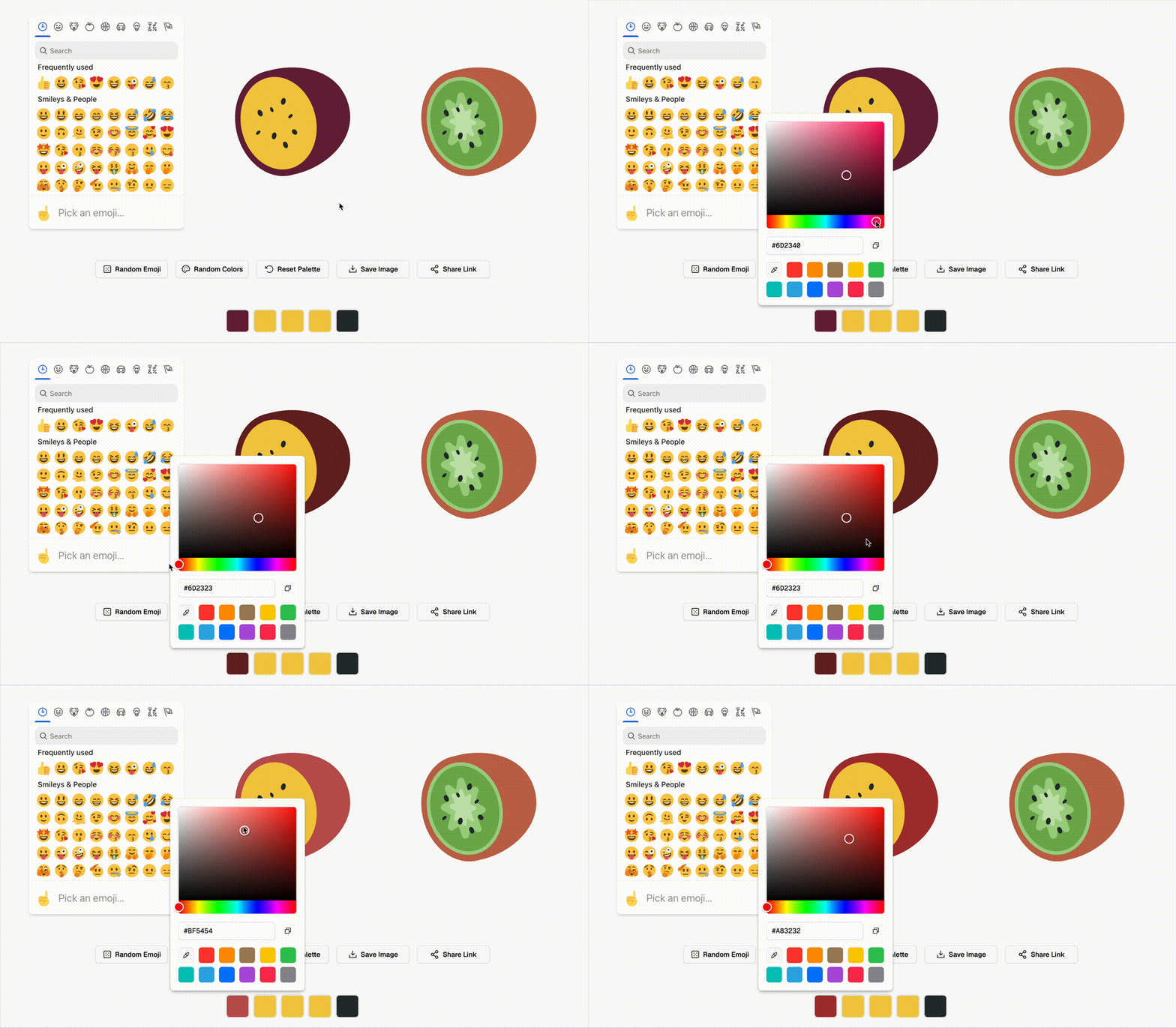
I built the frontend with React and TypeScript. The architecture uses React Context for state management, with a straightforward flow: users select an emoji, the app fetches its path data and palette mappings, displays color pickers for each unique color, and regenerates the SVG in real-time as users adjust colors.
The core challenge was efficiently generating SVG on the fly. For each emoji layer, the system checks whether the user customized that color, applies either the custom or original value, and combines all paths into a single SVG string. React’s memoization prevents unnecessary regeneration, keeping the interface responsive even for complex emojis with dozens of layers.
(opens in new window)Handling Unicode Edge Cases
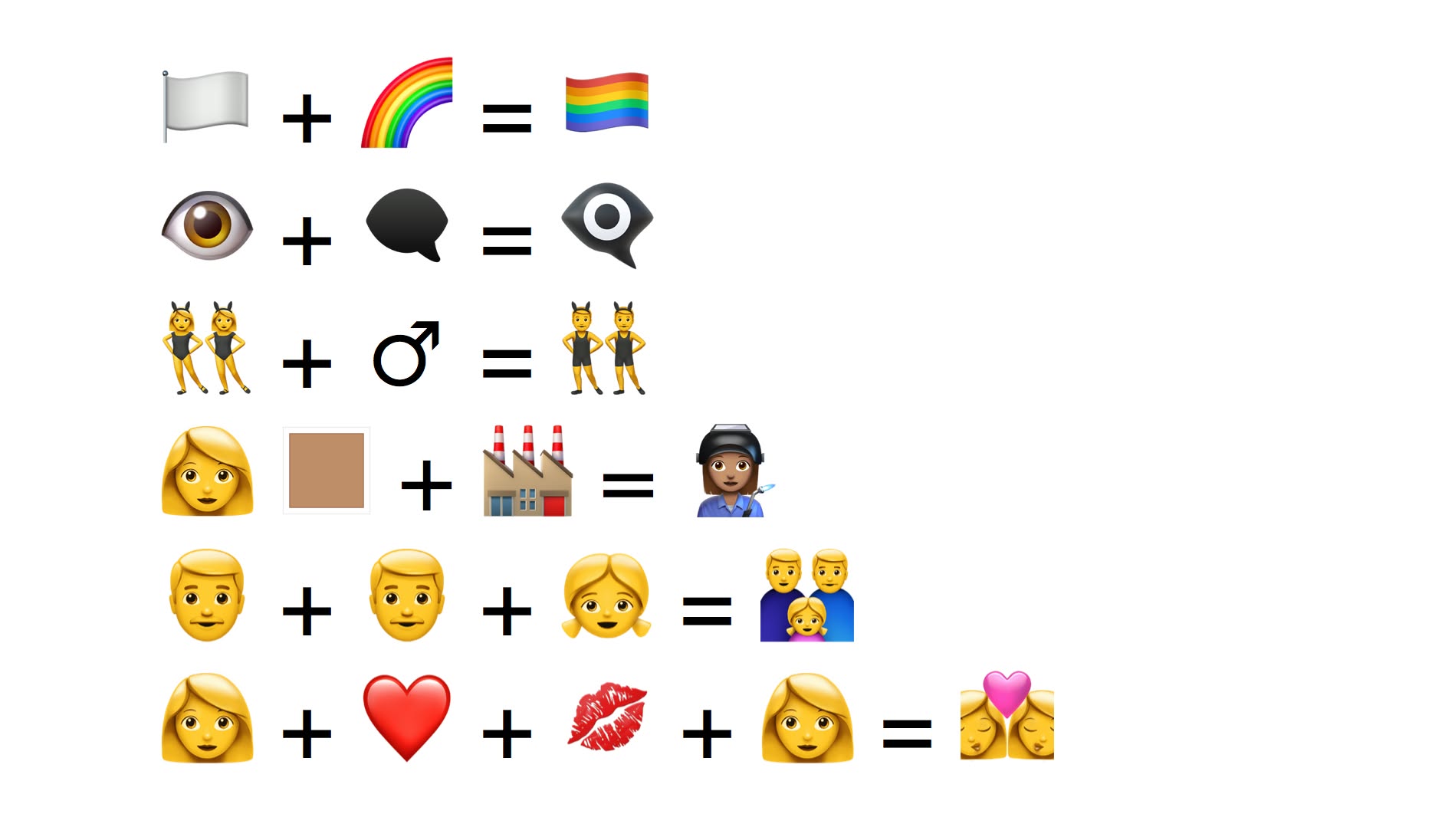
Emoji Unicode encoding is complex. Some emojis are single code points, others are surrogate pairs, some use zero-width joiners (ZWJ, U+200D) to combine multiple characters, and variation selectors change rendering. I built a robust Unicode converter that handles all these cases correctly, converting emojis to standardized IDs for data lookup and URL parameters. This ensures the system works reliably across all emoji types, including complex sequences like family emojis and regional flags.
(opens in new window)Making Customizations Shareable
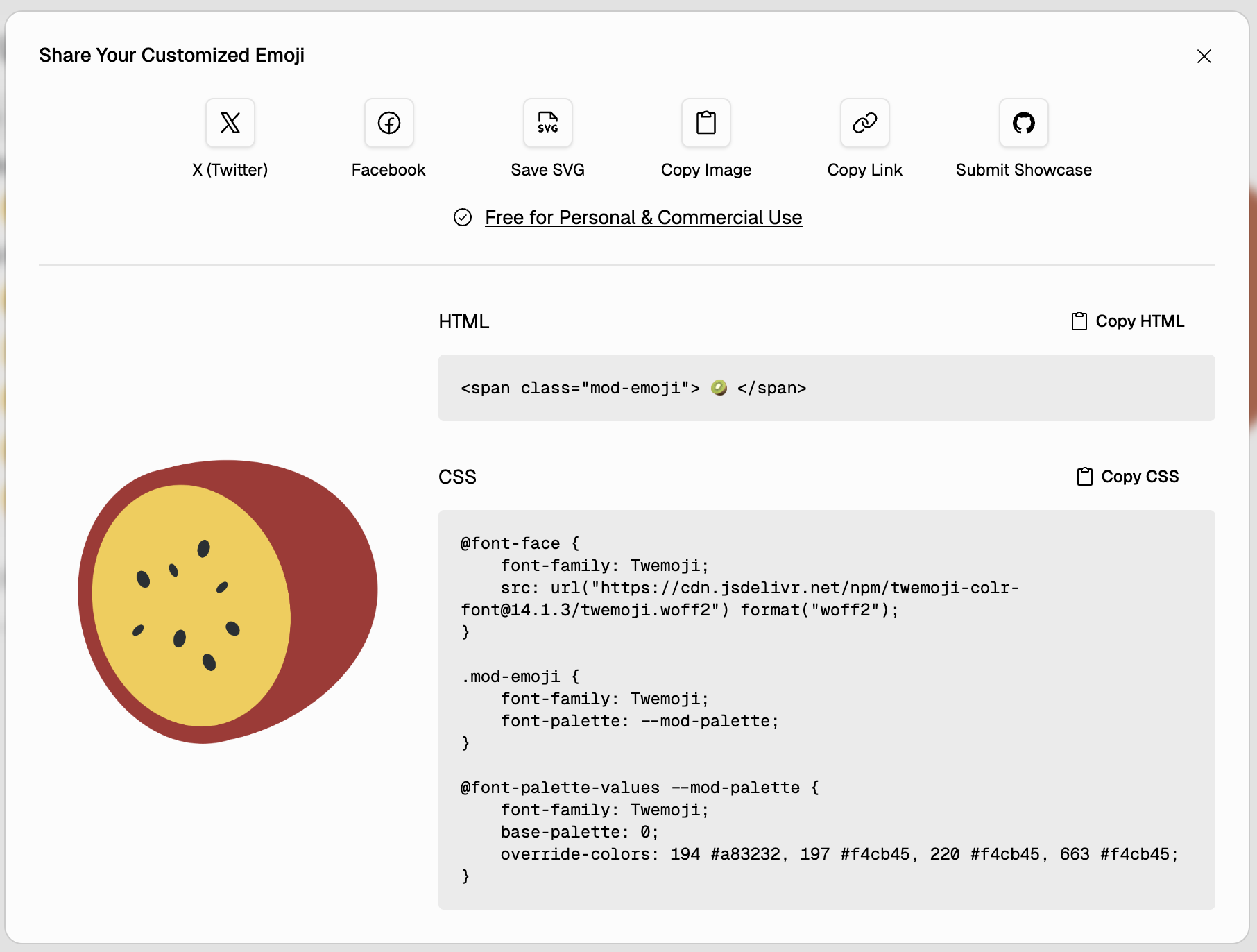
I designed the URL as the single source of truth for state. Every customization encodes into URL parameters, allowing users to bookmark creations, share links on social media, and use browser navigation naturally. The system only encodes color changes, not original values, keeping URLs compact. This architecture eliminated the need for a database while making every custom emoji instantly shareable.
(opens in new window)Impact & Results
Since launching in November 2023, Emoji Salon has been adopted by accessibility advocates, educators, and designers for practical use cases.
Educators use it to create consistent color schemes across learning materials. Design teams customize emoji sets to match brand guidelines, eliminating the visual clash between system emojis and company design systems. Accessibility organizations have referenced it as a practical solution for color vision deficiency issues that platform providers haven’t addressed.
The project demonstrates that technology should adapt to people, not the other way around. If standard emojis don’t work for you, you should be able to change them.
(opens in new window)Lessons Learned
The most significant challenge was pivoting from color fonts to SVG mid-project after WebKit dropped COLR v0 support. I had to rebuild the entire rendering system, but it taught me to prioritize universal compatibility over cutting-edge features. Now I design for the least-capable target first, then add progressive enhancements.
Unicode parsing presented unexpected complexity. Emoji encoding includes surrogate pairs, zero-width joiners, gender variants, and skin tone modifiers. I spent considerable time debugging edge cases, ultimately learning that robust text processing requires careful attention to Unicode standards, not assumptions about character behavior.
File size optimization proved critical. My initial prototype loaded 8MB of JSON, making the app unusable. Splitting data by category and implementing lazy loading reduced initial load by 95%, transforming a slow prototype into a responsive application. This reinforced that architectural decisions often matter more than code optimization.
Most importantly, I learned that accessibility features benefit everyone. While I built Emoji Salon for people with color vision deficiencies, designers use it for brand consistency, educators use it for visual clarity, and casual users enjoy creative expression. Good accessibility design improves the experience universally.
The project is fully open source under MIT license, using Twemoji graphics under CC-BY 4.0. By making emoji customization freely available, I hope more people can adapt technology to their needs rather than accepting limitations imposed by platform defaults.
(opens in new window)Showcase